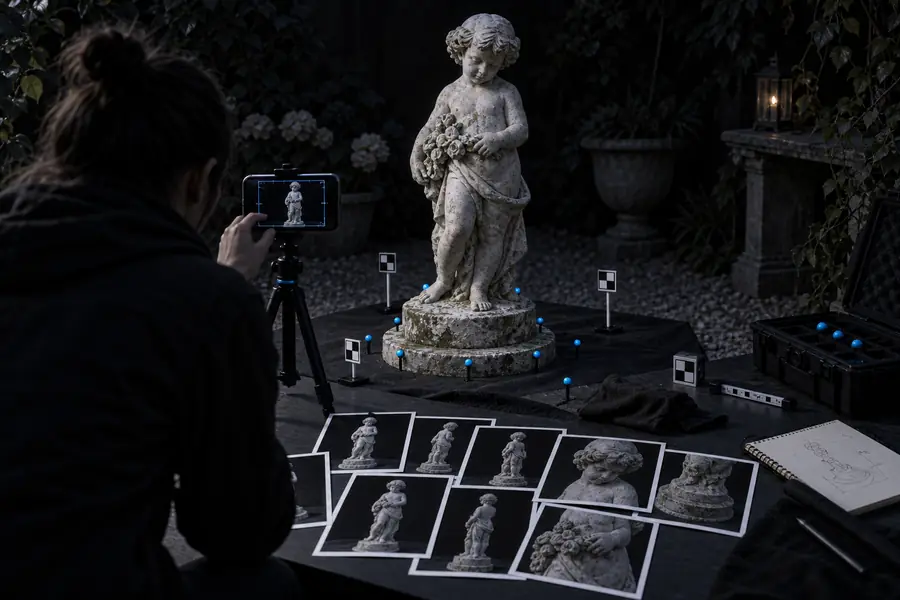
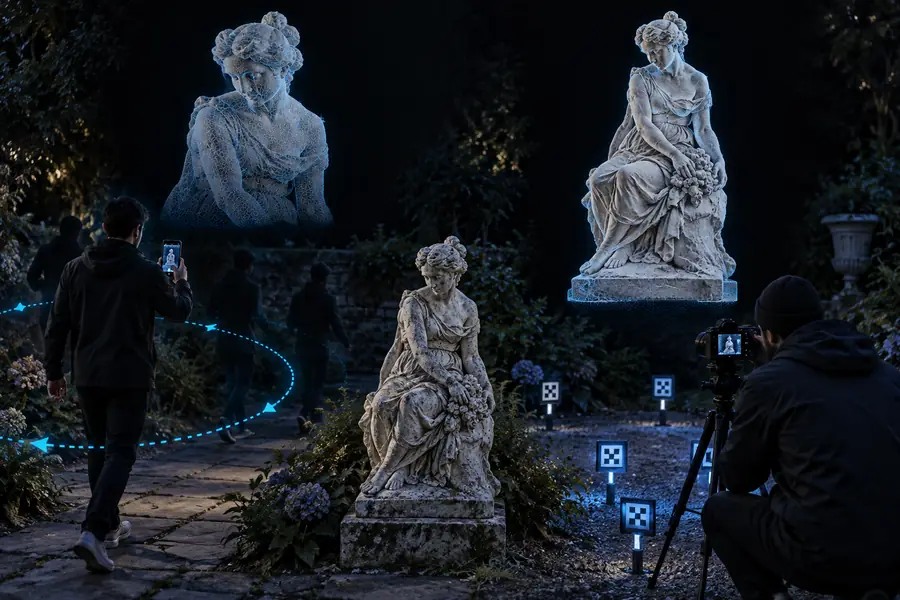
3D workflow comparison

realityscan vs polycam for practical 3D capture

A useful realityscan vs polycam comparison is less about declaring one universal winner and more about matching capture speed, output control, and project needs.

Comparison of RealityScan and Polycam workflows

Total cost

The total-cost table: what each workflow asks of you

The visible app price is only one part of the decision. Device access, cleanup time, export needs, and the cost of correcting a weak capture can matter more than the download itself.

Phone-first hobbyist

You want to scan an object with equipment already in your pocket and avoid building a dedicated workstation workflow.

Polycam is often the simpler starting point when mobile capture, quick previews, and an all-in-one experience matter most. For a broader workflow view, compare it with the practical guidance in realityscan vs realitycapture.

realityscan vs realitycapture

Photogrammetry learner

You want to understand how image coverage, alignment, masking, and mesh cleanup affect the final model.

RealityScan can be a better fit when you want a capture process that encourages deliberate coverage and a more structured route from images to reconstruction. The related realityscan vs meshroom comparison covers another learning-oriented option.

realityscan vs meshroom

Fast field creator

You need a usable reference model during a site visit, production meeting, or concept review rather than a perfectly finished asset.

Polycam can reduce friction by keeping capture and preview close together, while RealityScan is useful when a little more capture discipline is acceptable in exchange for a controlled reconstruction workflow.

realityscan vs realitycapture

Asset pipeline builder

You plan to move scans into a DCC, game engine, CAD package, or 3D-print preparation workflow.

Compare export formats, scale, texture requirements, and cleanup effort on a real sample before deciding. The best total cost is the route that produces a usable asset with fewer corrective passes.

realityscan vs meshroom
Quality differences

Where quality differs between the two tools

Quality is not a single score. It depends on coverage, lighting, subject texture, camera stability, processing choices, and how much cleanup you are prepared to do afterward.

Capture the same subject

Use the same object, lighting, distance, and approximate camera path in both tools. Take enough overlapping views to give each reconstruction a fair starting point.

Inspect the geometry

Check silhouette accuracy, thin features, hidden areas, holes, noisy surfaces, and whether the mesh preserves the details that matter for your intended use.

Judge the deliverable

Open both results in the destination workflow. A model that looks impressive in a preview may still need retopology, scale correction, texture cleanup, or watertight repair.

Switching decision

When switching is worth it

Switching makes sense when the current tool repeatedly creates a bottleneck that the other workflow addresses without adding a larger problem elsewhere.

Neither tool guarantees a clean mesh

Reflective, transparent, very dark, moving, or textureless subjects can defeat both workflows. A poor source capture usually produces a poor reconstruction regardless of the app.

WorkaroundImprove lighting, add visual texture where appropriate, stabilize the subject, and capture more overlapping views.

A mobile-first route may not replace a full pipeline

Fast previews and convenient capture do not automatically provide production-ready topology, ideal UVs, or a model ready for every downstream tool.

WorkaroundBudget time for retopology, texture baking, scale checks, and export validation before treating the scan as final.

More control can mean more responsibility

A structured photogrammetry workflow may expose more decisions, but those decisions also create more opportunities for inconsistent coverage or processing choices.

WorkaroundUse a repeatable capture checklist and test the workflow on a small subject before moving to a critical asset.

A price comparison can miss labor cost

A tool that appears inexpensive may become costly in practice if it requires repeated captures, manual cleanup, or several conversion steps.

WorkaroundMeasure the complete path from first image to usable model, not only the app access or subscription line.

Output check

Compare the finished result, not only the interface

Source capture

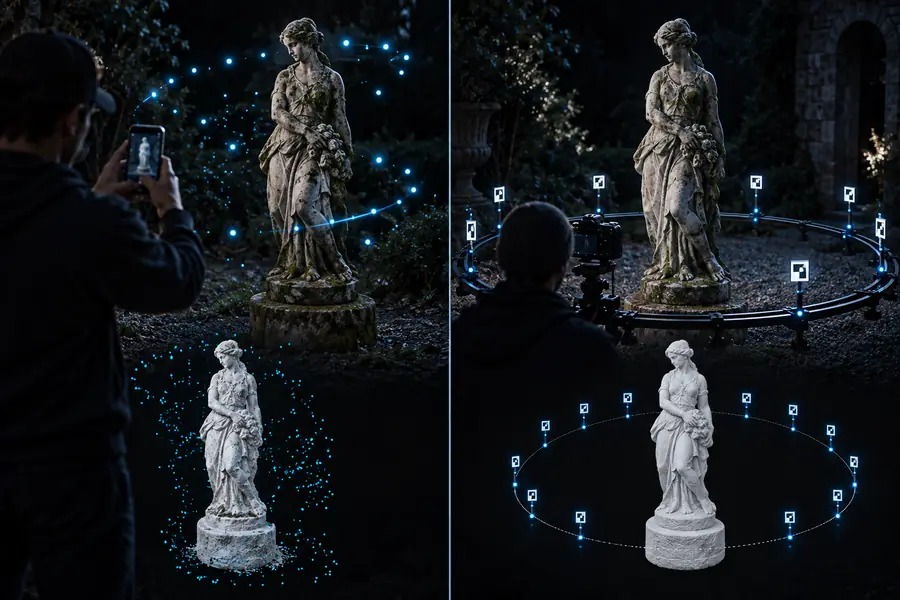
Source capture prepared for a RealityScan and Polycam comparison
Finished 3D reconstruction shown for workflow comparison
Usable model

A fair test uses the same subject, coverage, and destination requirements in both workflows.

Comparison FAQ

Questions about realityscan vs polycam

Use these questions to frame a side-by-side test around your actual device, subject, and final deliverable.

Polycam can feel more approachable when you want a mobile-first capture and preview experience with fewer separate steps. RealityScan may suit beginners who want to learn a more deliberate image-based reconstruction process and are willing to follow a careful capture routine.

They can produce comparable results on favorable subjects, but quality depends heavily on coverage, lighting, texture, camera movement, and processing choices. The better result is the one that preserves the details required by your final use, not simply the one with the more attractive preview.

Polycam may be faster when immediate mobile capture and preview are the priority. RealityScan can still be efficient when you already have a repeatable image-capture method, but total delivery time should include processing, export, and cleanup.

Switch when your current workflow regularly loses important detail, creates too much cleanup, or does not fit the destination pipeline. Before switching permanently, test both tools on the same representative subject and compare the finished asset rather than the interface alone.

It can be worthwhile when convenience, field capture, or rapid previews matter more than having a structured reconstruction workflow. Keep RealityScan in the comparison if your projects depend on careful image coverage, repeatability, or a particular downstream process.

Start scanning
Start scanning